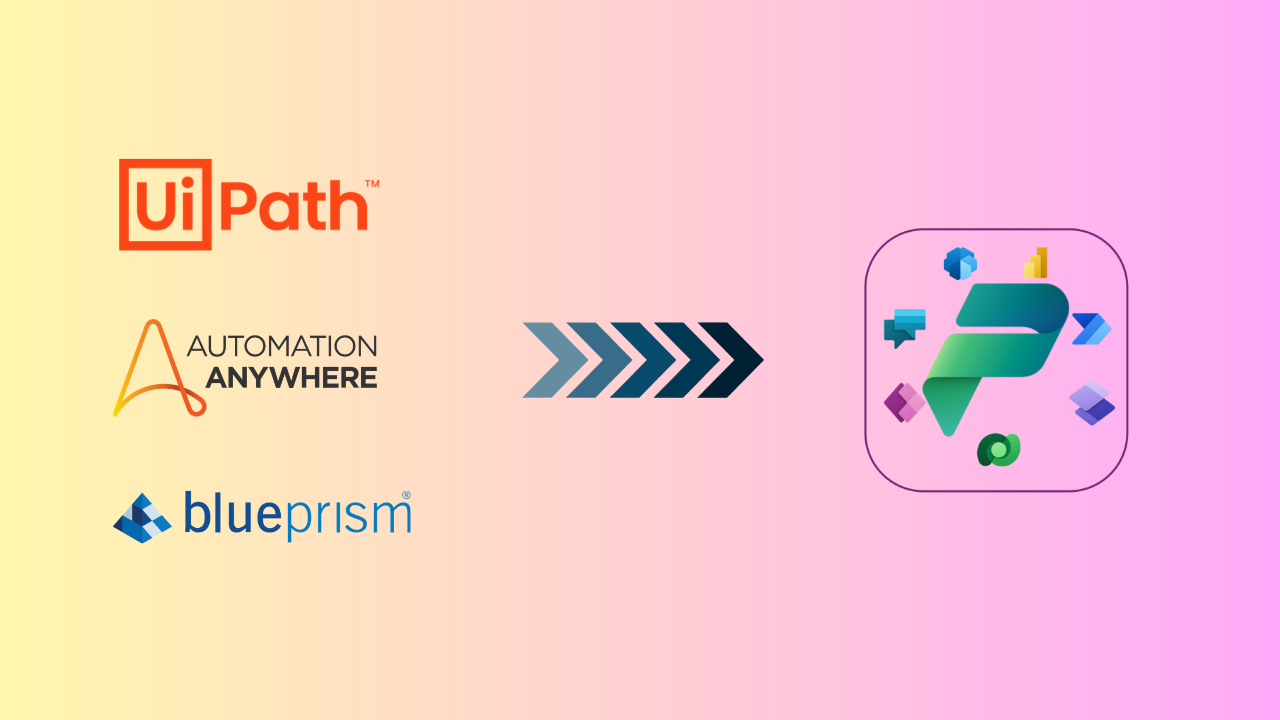
RPA to Power Platform Migration: Why Enterprises Are Making the Switch!
Robotic process automation has transformed how enterprises handle repetitive work, but the legacy tools that once led the market now hold many organizations back. As business demands shift toward AI-driven, cloud native operations, companies built on older RPA platforms are discovering that yesterday's automation investment cannot keep pace with today's expectations. Migrating or modernizing to Microsoft Power Platform has become one of the most practical ways to close that gap. Why Legacy RPA Platforms Are Losing Ground Legacy RPA tools were built for a different era of technology, and the cracks are becoming harder to ignore. Organizations report that outdated systems can slow automation efficiency by as much as 75 percent, a gap that widens as business processes grow more complex. Roughly 60 percent of CIOs now consider their existing RPA platforms a direct barrier to scaling automation across the enterprise, and half of all legacy RPA implementations fail to deliver the return on investment that was originally promised. Several factors are driving this shift: Longer time to deliver automation: Legacy platforms often require heavier development cycles, delaying the value automation is supposed to provide. Citizen development that never materialized: Many tools promised to empower business users but remained locked behind technical complexity. Underwhelming ROI: Licensing, maintenance, and infrastructure costs frequently outweigh the efficiency gains delivered. Difficulty scaling : What works for a handful of bots often breaks down when automation needs to expand across departments. Missing AI capabilities: Static, rules-based automation cannot handle unstructured data or adapt to changing conditions. Limited integration: Many legacy platforms were not designed to connect with modern cloud services and applications. These challenges are not isolated incidents. They point to a structural mismatch between what legacy RPA was built to do and what today's digital enterprise needs. Why Microsoft Power Platform Is the Right Fit for Modern RPA Microsoft Power Platform addresses these gaps directly, offering a foundation that is built for how organizations operate now rather than a decade ago. Lower total cost of ownership: Consolidated licensing and native Microsoft integration reduce the overhead that legacy platforms often carry. Seamless integration with your existing tech stack: Power Platform connects naturally with Microsoft 365, Dynamics 365, Azure, and hundreds of third-party connectors. Low-code and no-code interface: Business users can build and adjust workflows without waiting for specialized developers. AI-first, cloud-first automation: Power Platform was designed from the ground up for cloud scalability and intelligent process automation. Recent updates introduced self-healing desktop flows, which use AI agents to automatically adapt automations when underlying systems change, addressing the brittleness that has long plagued legacy RPA bots. AI-powered workflows: Copilot and AI Builder bring predictive and generative capabilities directly into everyday automation. Microsoft Copilot Studio's unified workflow designer, which reached general availability in August 2026, now let’s makers combine structured, rules-based steps with AI agent nodes on a single canvas, including computer-using agent nodes that can carry out browser and desktop automation directly within a workflow. Robust governance and compliance: Centralized administration through the Power Platform admin center gives IT the visibility and control that legacy tools often lack. New AI-powered governance agents can automate tenant monitoring and remediation. At the same time, real-time risk assessment in Copilot Studio gives IT teams greater confidence as they extend automation with AI agents. For organizations weighing whether to patch an aging platform or move to something built for the next decade, the direction is increasingly clear. How CompQsoft Digital Services Can Help Moving from a legacy RPA platform to Power Platform is a significant undertaking, and the right partner makes the difference between a rocky transition and a smooth one. CompQsoft Digital Services brings certified Power Platform expertise and a track record of complex migrations that protect business continuity. Our end-to-end migration services cover the full journey, including: Assessment: We evaluate your current automation estate to identify which bots, processes, and dependencies are ready to migrate. This groundwork produces a clear roadmap and timeline before any technical work begins. Architecture design: Our team designs a Power Platform environment aligned to your governance, security, and scalability requirements. This includes planning data flows, environment strategy, and integration points with your existing systems. Seamless migration: We convert and rebuild your automations in Power Platform with minimal disruption to daily operations. We sequence migrations by business priority so critical processes stay online throughout the transition. Testing and validation: We test every migrated workflow against the original process to confirm accuracy and performance. We validate exceptions, edge cases, and integrations before anything moves into production. Post go-live optimization: After launch, we monitor performance and fine-tune workflows to capture the full value of the new platform. This phase also offers opportunities to apply AI and further automation. Training and ongoing support: We equip your teams with the skills to build, manage, and extend automations independently. Ongoing support and optional managed services ensure the platform continues to perform as your needs evolve. To accelerate this process, CompQsoft Digital partners with Blueprint Software Systems , a purpose-built migrator tool that reduces manual rework and shortens migration timelines, whether you are moving from Blue Prism, UiPath, or another legacy platform. Start Your RPA Transformation Today Legacy RPA platforms were the right choice for a previous generation of automation. Today's enterprises need something more scalable, more intelligent, and more connected. Microsoft Power Platform delivers that shift, and CompQsoft Digital Services is ready to guide the migration from assessment to managed support. Whether your organization is transitioning from Blue Prism, UiPath, or another RPA platform, our team is ready to help you plan and execute a migration built for long-term success. Get started with your RPA transformation today. Join Our Live Webinar: Modernizing Enterprise RPA & BPM with Microsoft Power Platform Want to see this transformation in action? CompQsoft Digital is partnering with Microsoft and Blueprint Software Systems for a live webinar on modernizing enterprise RPA and BPM with Microsoft Power Platform. Join us on September 24th at 10 AM CST to hear directly from the experts on migration strategy, real-world use cases, and how to accelerate your move to a smarter automation platform.